

Home value calculator
Free interactive real estate calculator: adjust characteristics and get an instant estimate. Price updates live. Real data + AI.
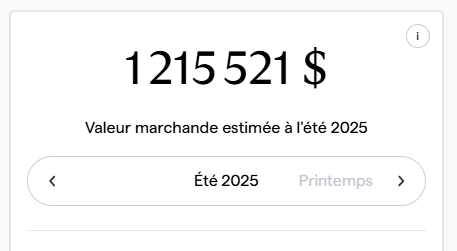
- Estimate in under 30 seconds
- No sign-up required for a first estimate
A calculator, not a static estimate
A home value calculator should let you model reality, not guess it. Two homes in the same “sector” can differ because of micro-location (street-by-street), then because of the home itself (size, layout), then because of condition.
Doormath separates location value from the other variables. Then it layers in the home’s characteristics and a detailed 20-step renovation level. That’s how we avoid a common problem: blaming “renovations” for what is actually micro-location.
Micro-location you can see
The interactive map helps you understand location value quickly: nearby blocks can carry different value even before you consider the home’s size or finish level.
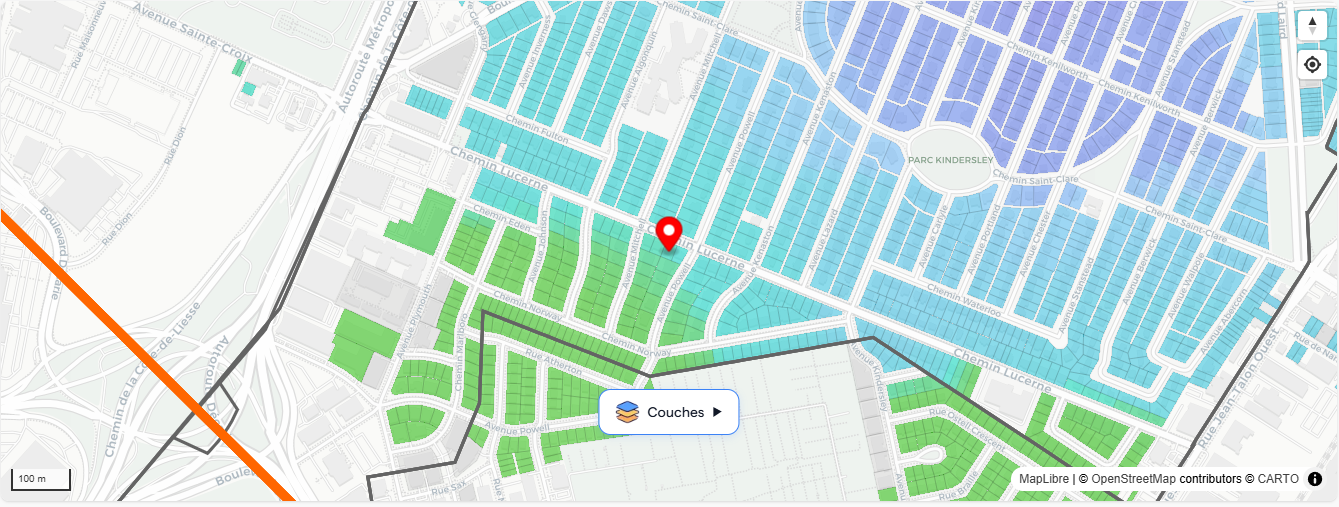
Example screenshot: micro-location value can change within the same neighborhood.
It takes more than a couple comps
Most “comp-based” valuations break down because every house is different. To be fair, comps must be adjusted:
- Time: a sale from last year may not match today’s market.
- Characteristics: what is a garage worth here, at this price point?
- Size: price-per-sqft is not linear (300→400 sq ft behaves differently than 2000→2100 sq ft).
Doormath captures those nuances directly in the price. Your job is simply to enter the right facts—especially renovations (20-step level) and any key details—and the UI is built to make edits easy.
How to use a home value calculator (step-by-step)
- Start from the right context: correct property type (house/condo/multiplex) and the exact address / micro-market.
- Adjust the basics: living area, bedrooms/bathrooms, and year built.
- Set the renovation level as accurately as possible (Doormath uses a detailed scale, so small differences matter).
- Sanity-check the inputs: if something feels off, it’s usually a missing or incorrect detail (micro-location, living area, or renovation level).
The most important step is simply correct inputs. Once the data is imputed (from records) and corrected (by you), the appraisal becomes reliable—and the interface is built to make those edits easy.
Common mistakes (and how to avoid them)
- Treating municipal assessment as market value.
- Relying on a couple examples without adjusting for time, features, and size.
- Ignoring micro-location (noise, traffic, transit proximity).
- Not adjusting for condition and renovations.
The goal isn’t to guess, but to ensure the information reflects the property’s reality.
How does a home value calculator work?
It starts from a market context (area + comparables) and adjusts based on property characteristics. An interactive calculator lets you see the impact live as you change inputs.
What information do I need for a good estimate?
At minimum: property type, living area, bedrooms/bathrooms, year built, and condition/renovations. The more accurate the inputs, the more consistent the estimate.
Are Centris list prices a good reference?
They’re a reference, but list price is not sold price. For market value, recent closed comparables are usually more relevant.
Why can two similar houses have different values?
Micro-location, layout, finish level, renovations, view, lot attributes, noise, and market timing can create meaningful gaps.
What’s the best way to use a calculator?
Start from a realistic profile, adjust key characteristics, then sanity-check consistency against recent comparable sales.